
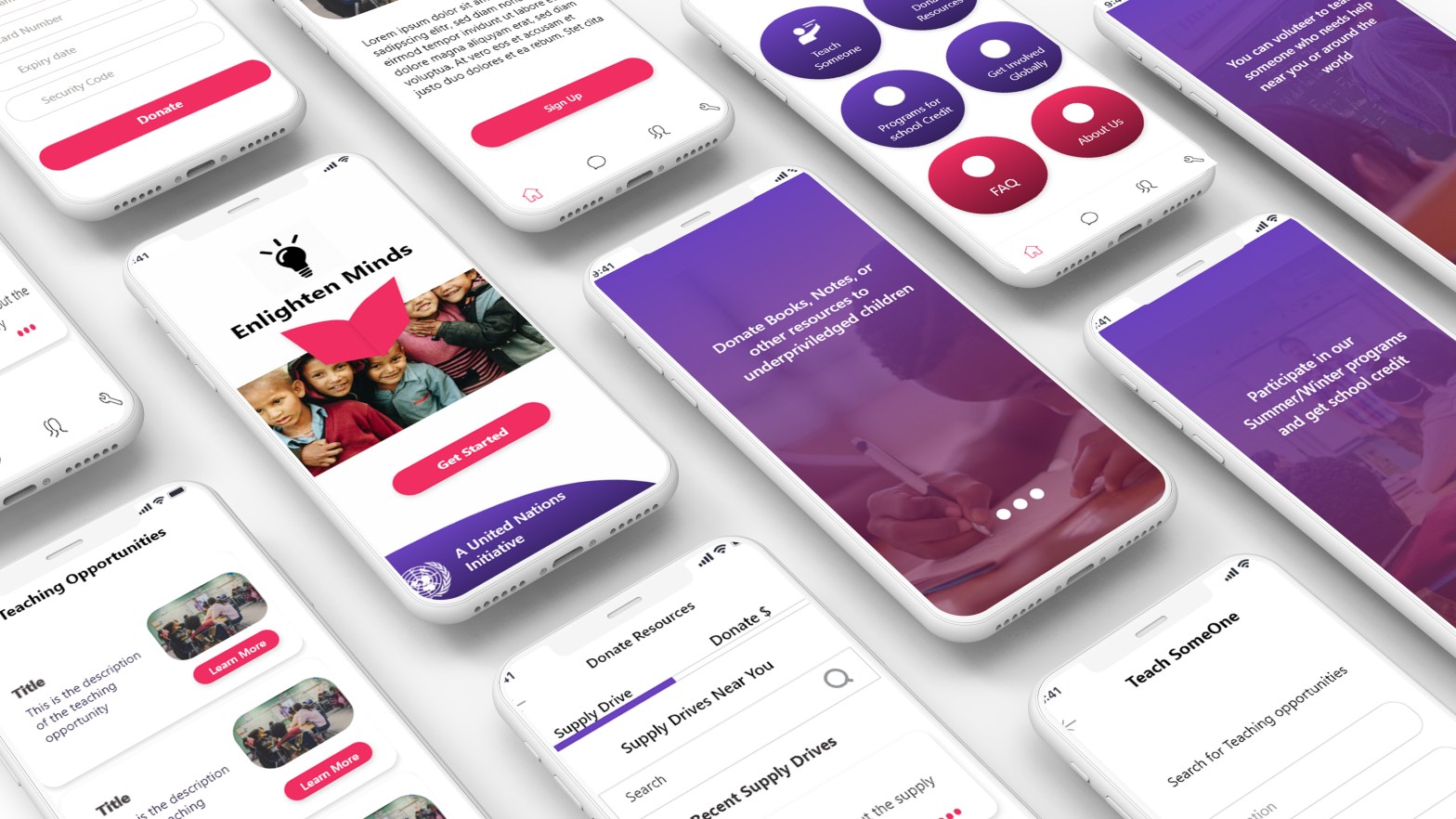
The purpose of this project was to simulate a week-long design sprint for designing an app. This project was part of Intro to UX Design course at Rutgers University. We were given a Request for Proposal from the United Nations supporting the “One For All” sustainable development goals. We were required to come up with a solution to engage college students in various social causes.
My Role:
- Did user research through interviews with Rutgers University students.
- Created prototypes along with the team based on research and analysis.
- Conducted User tests with the prototypes.
- Presented results of the research and design with the team to the professors.
- Re-designed the application based on user feedback and heuristics after the course.
The Challenge: Engaging students to involve in a social cause supported by the United Nations.
Strategy: We chose one cause instead of all the causes supported by the UN to narrow down our research. We selected “quality education” because it was something we were passionate about.
Our goals
1. To make college students aware of the facts about the lack of educational opportunities for the underprivileged.
2. Encourage them to participate and contribute to making a difference in the life of those people
3. Give them an accessible platform so that contributing and participating becomes easy.
Design Process
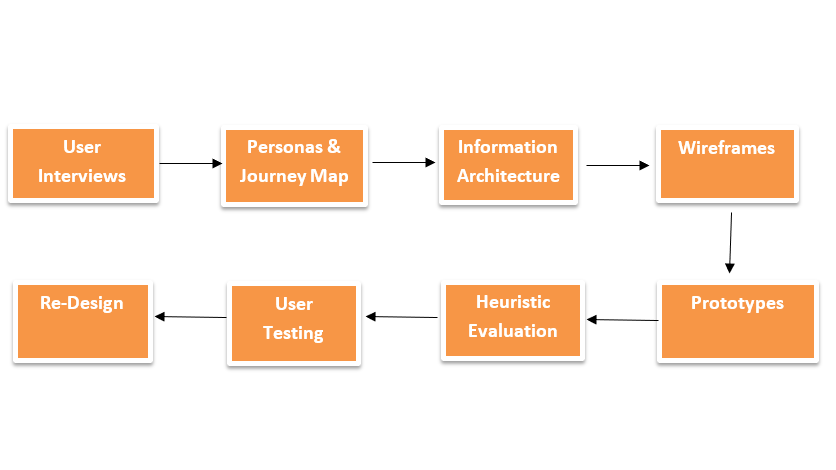
User Research
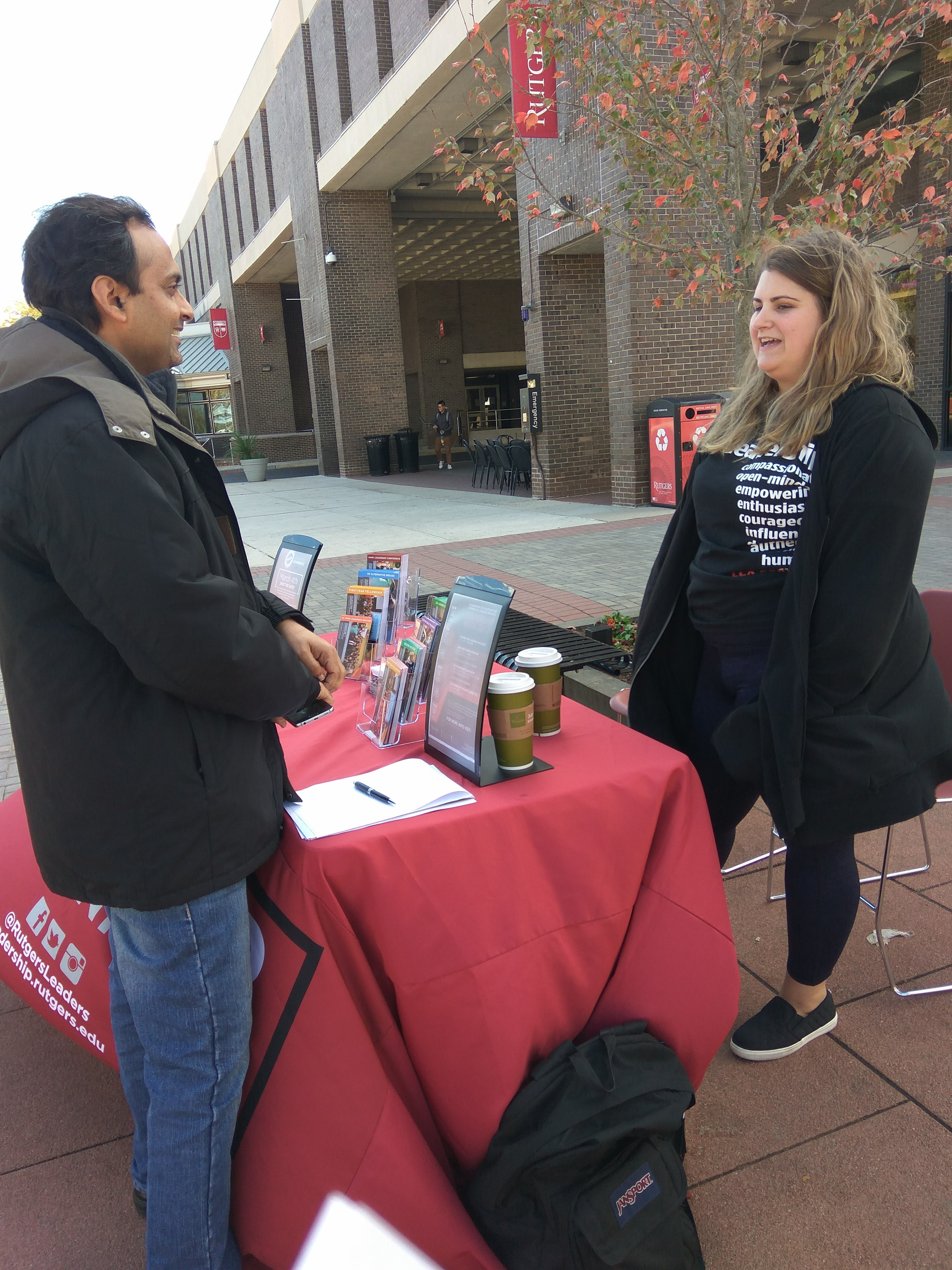
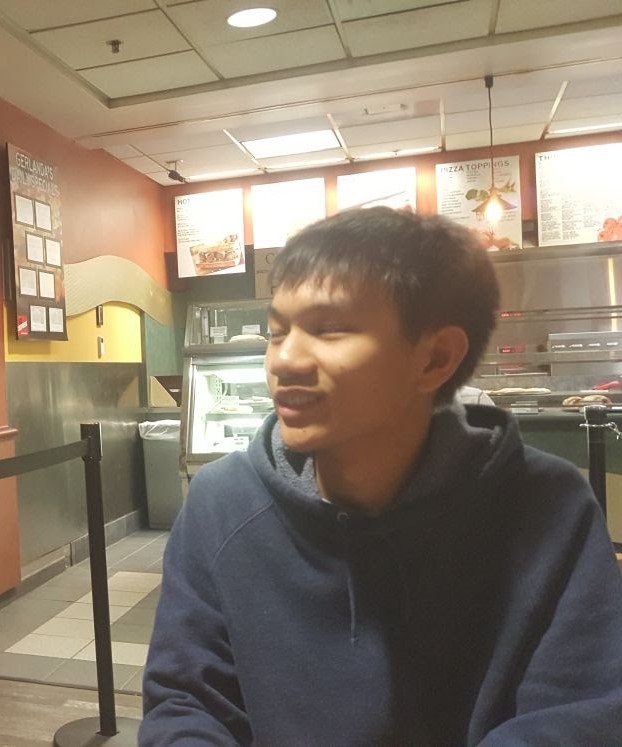
The intended audience for this project was students at Rutgers University. So, we interviewed 12 students on campus and asked them questions about the quality of education in general and whether they are involved in any cause or not. We asked open-ended questions like how would you help someone who does not have access to education.
Early Insights
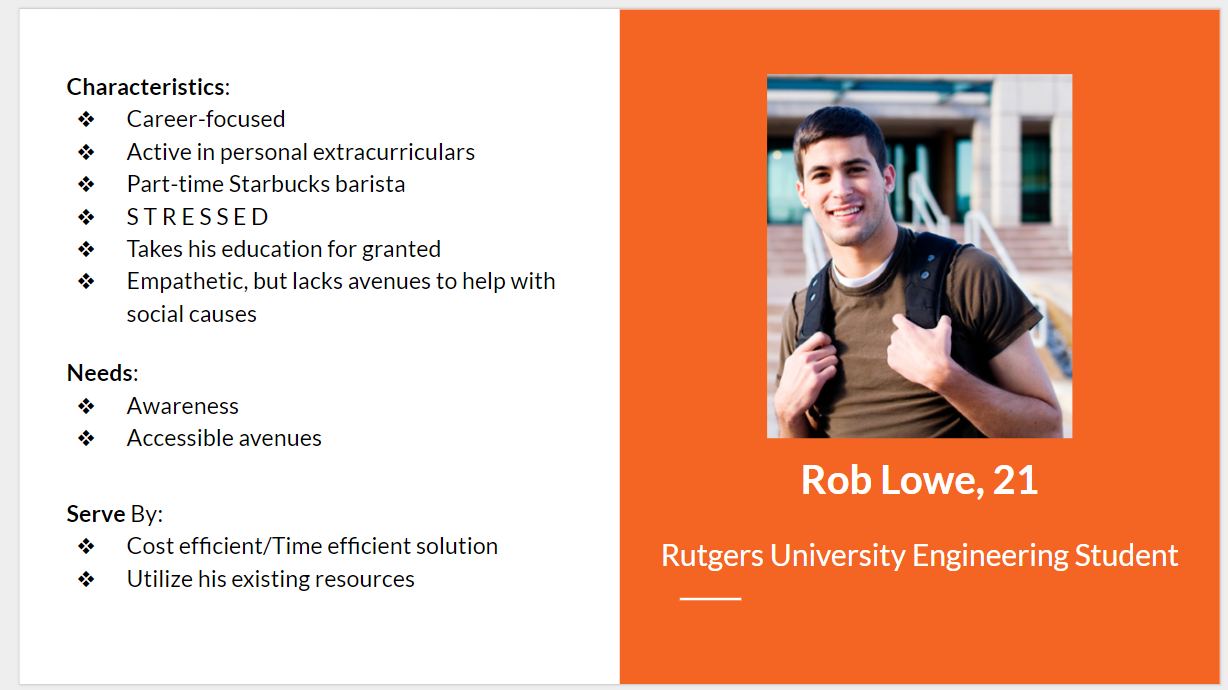
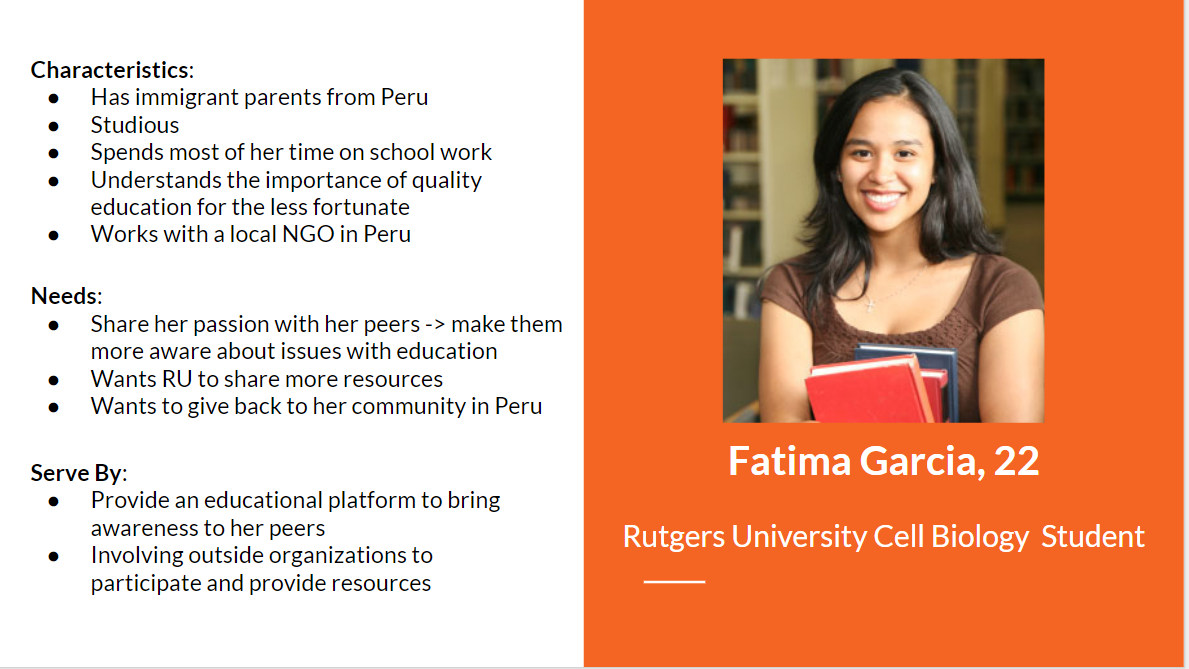
We found that most students were not aware of this fact that the quality of education is a challenge in other parts of the world. We organized the data into categories and created personas.
- Students aware but did not know how to help easily – need more information and motivation on how to get involved
- Students busy with coursework but would like to engage if they get some time – need a platform to get involved with minimal time and effort with some incentives
- Students volunteers motivated to do something in the field of education and contribute their knowledge – need ways to contribute well globally and participate in events.
Personas
Journey Map
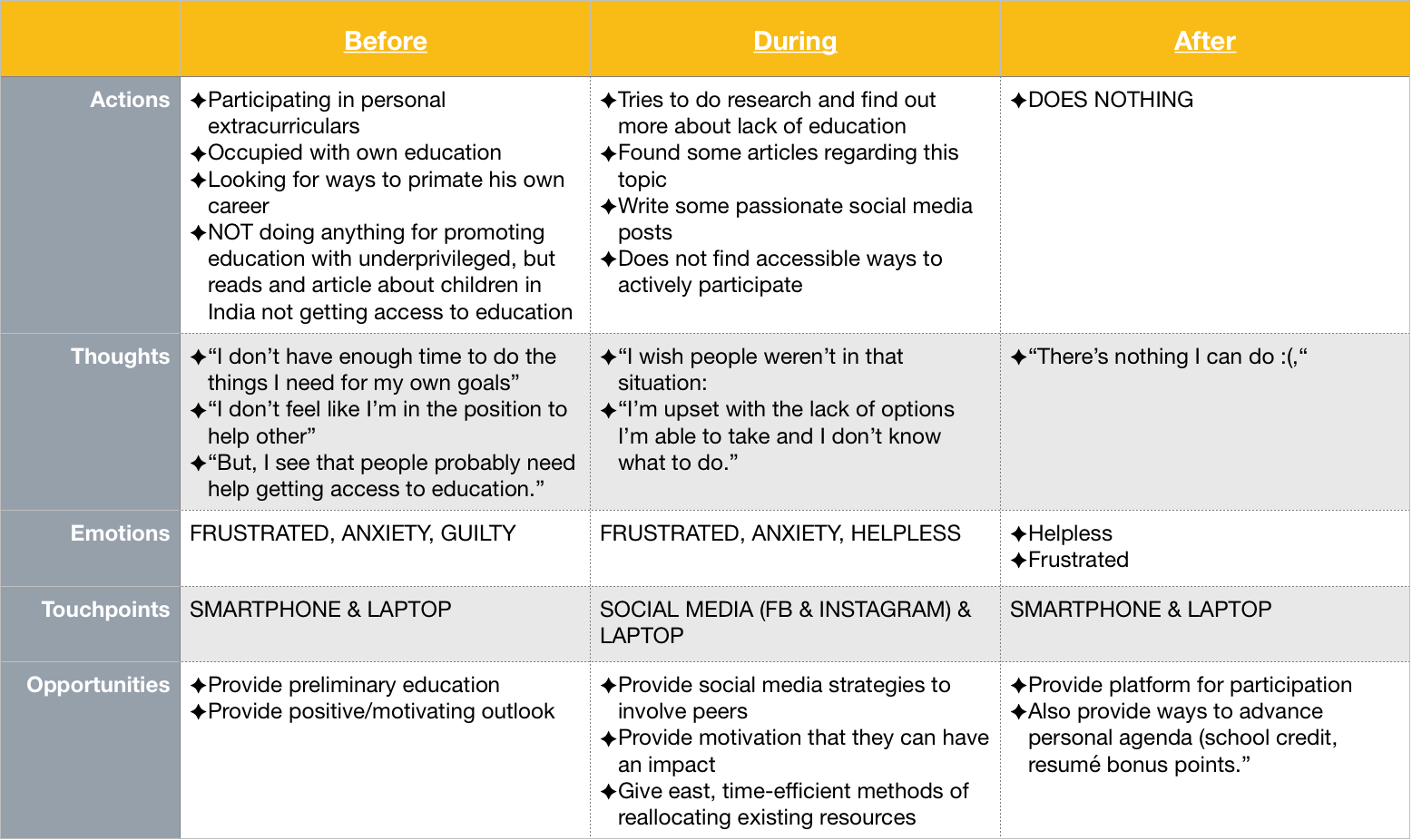
This is the journey map for one of the personas showing his action, thoughts, emotions, touch points and opportunities that we can use before, after and during the process at present without the app.
The purpose of making this journey map is to understand a scenario in the users’ journey and identify opportunities for solving the problems. We created Rob’s journey map because of his personality and needs match most of the target users.
Prototyping and Design
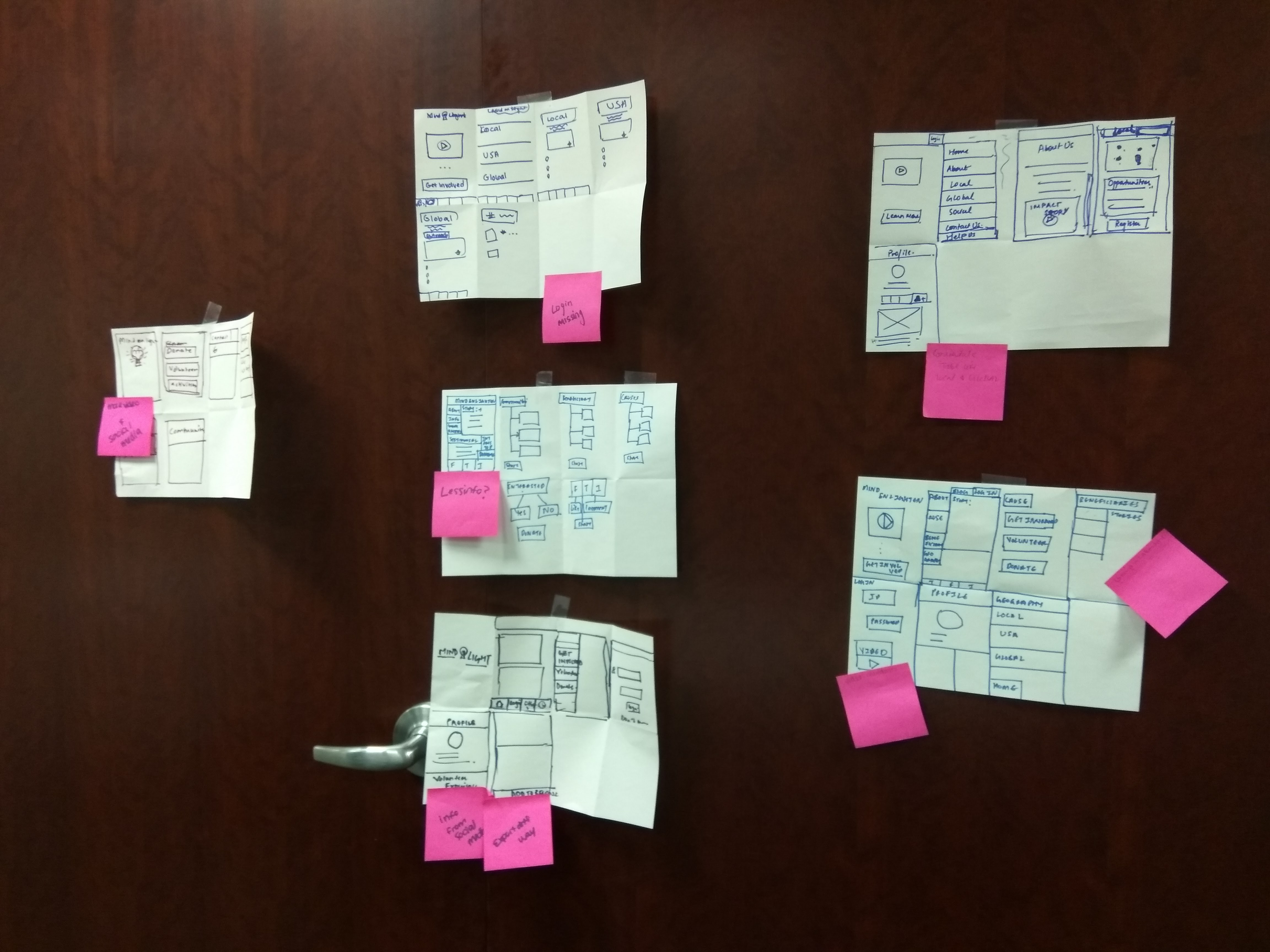
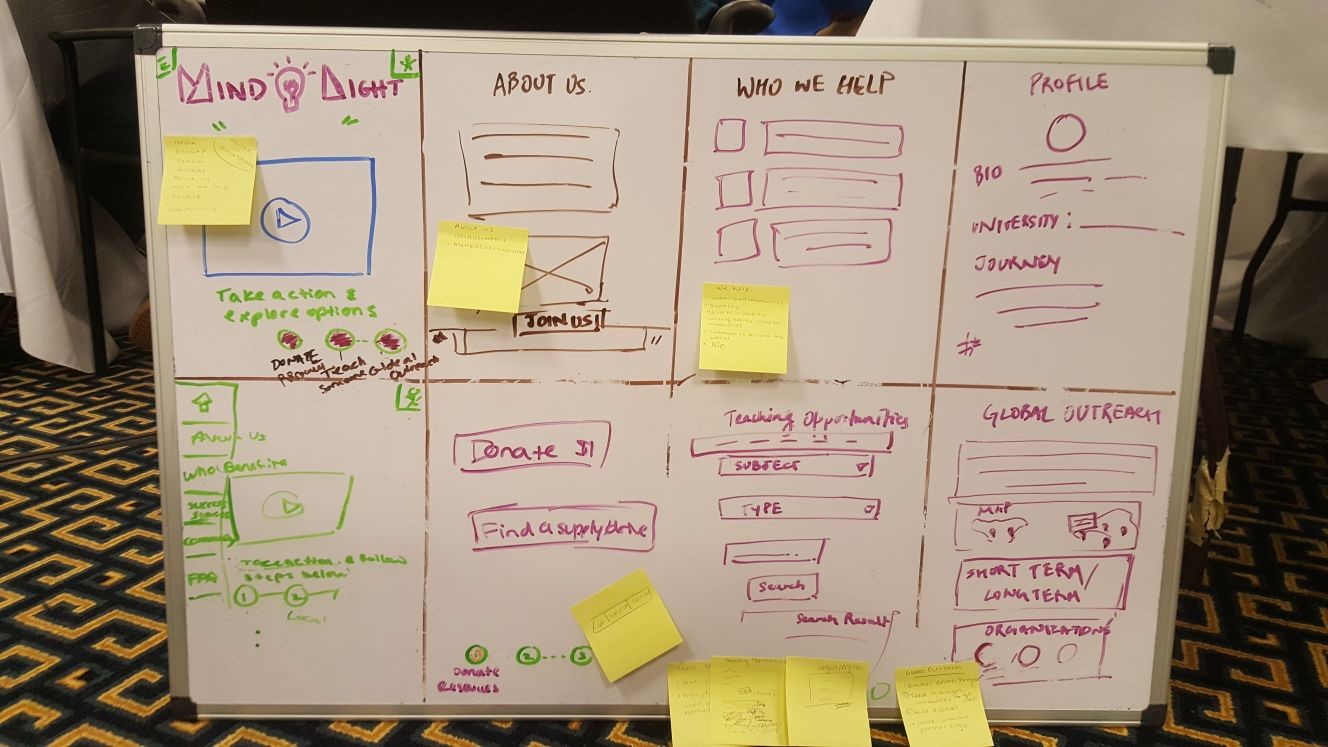
Initial Prototypes
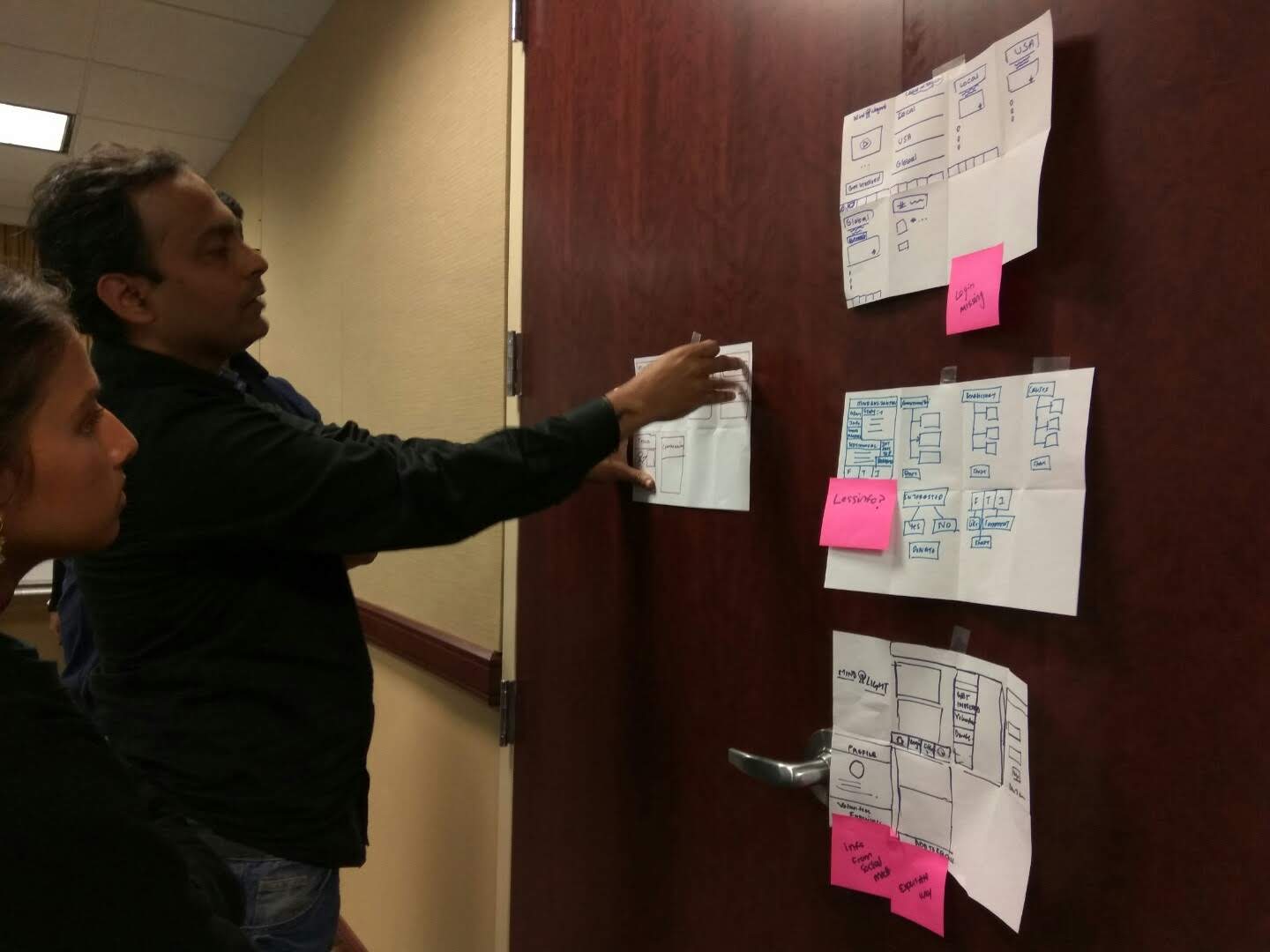
The idea was to make the primary goals of the app easily accessible on every screen. Showing a video on the main screen to make students more aware of this cause and how can they change lives by their time and resources even remotely to different parts of the world.
User Testing
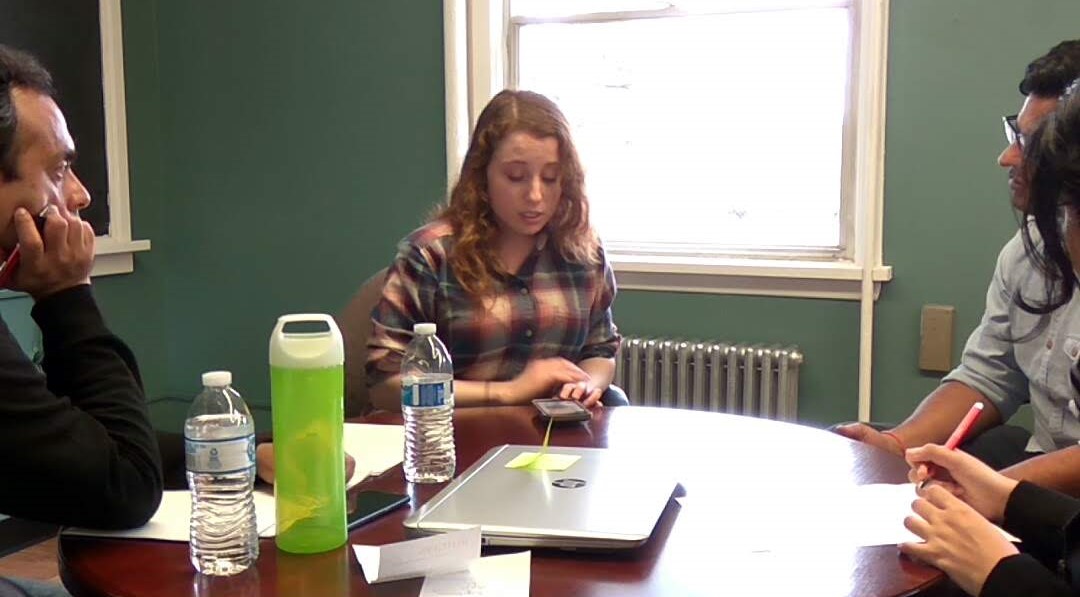
I prepared a test booklet to conduct user tests with some students at Rutgers University. We conducted a moderated in-person usability test as a team. The moderator conducted the test, and others took notes. The sessions were recorded with the consent from the testers. We successfully conducted 5 user tests and qualitative data analysis after each test.

We got some mixed responses from the user tests like:
Positive:
“The navigation menu is pretty intuitive”
“The design looks very clean, I like the colors.”
Negative:
“Some pages have too much text on it, I don’t like reading. “
“The purpose of the app is not very clear.”
Most clicked items were
- bottom navigation buttons,
- The FAQ in the menu.
- About Us page
- who we help page.
Heuristic Evaluation
We used Nielsen’s Heuristics to evaluate the prototype. We found the following issues for the app.
- No news feed page which shows ongoing activities or nearby events.
- Global outreach button not clear.
- Some pages of the app are too wordy.
- Design inconsistencies present.
- The app does not give a look and feel of a native mobile application.
The Re-design
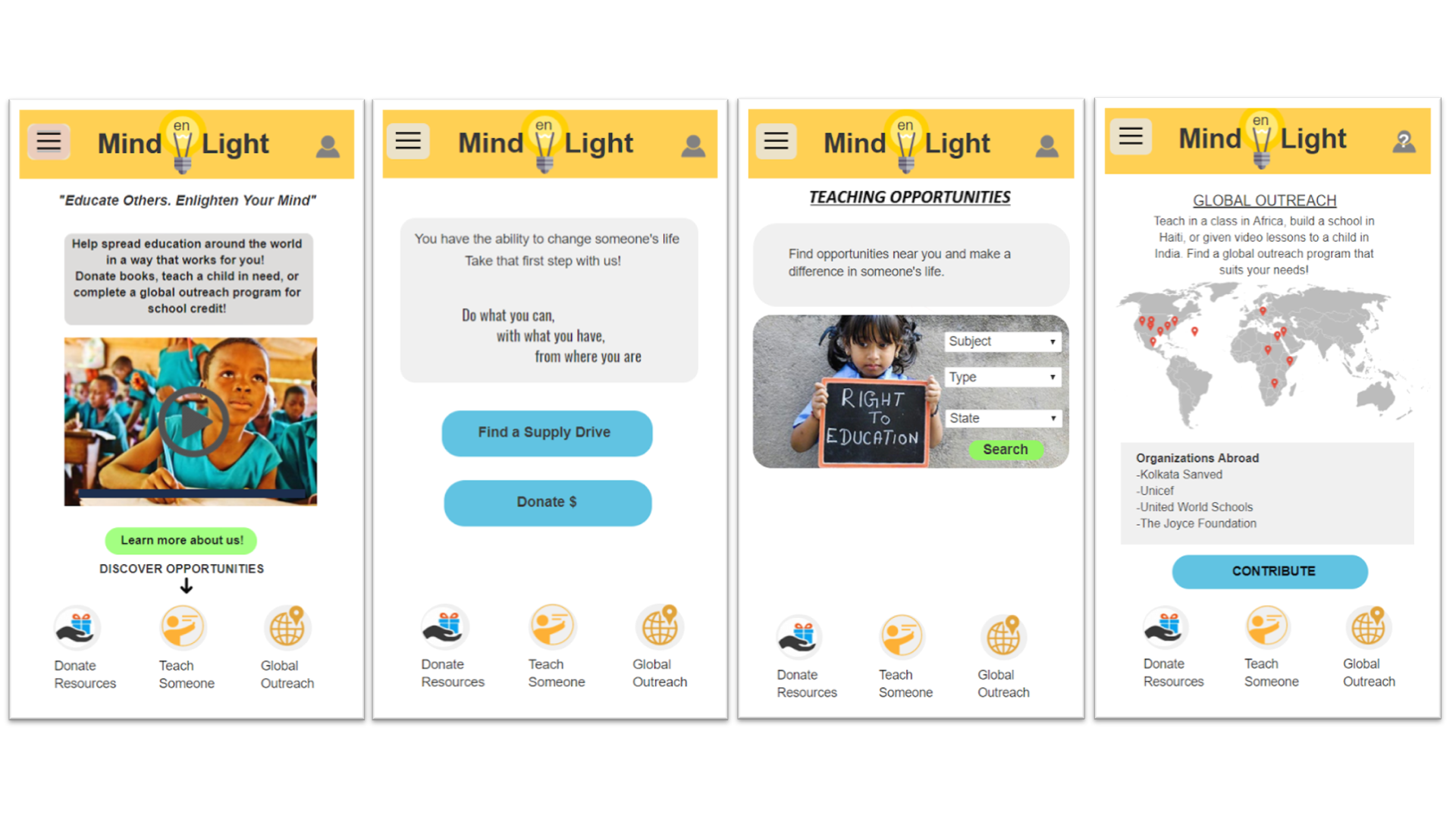
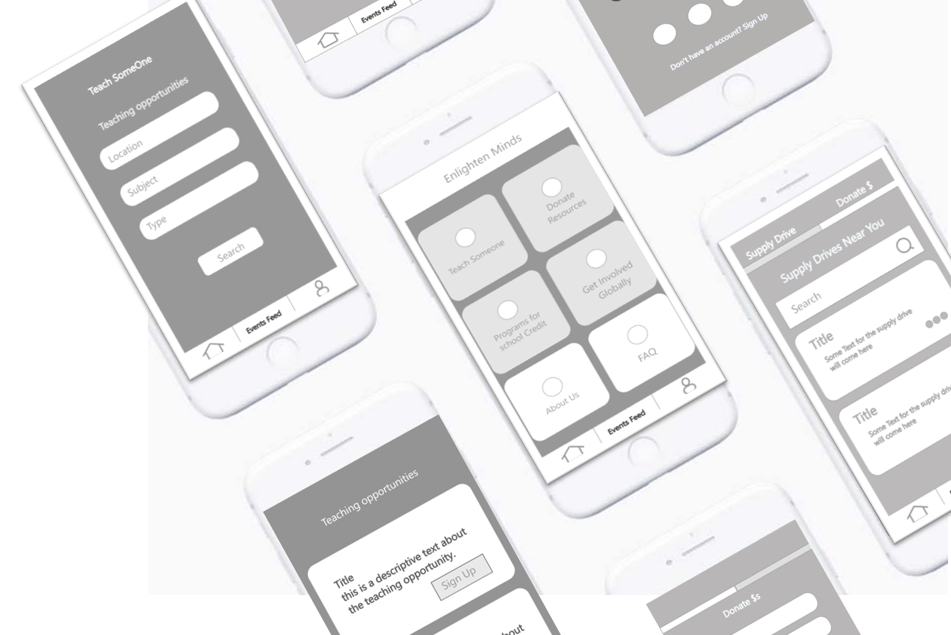
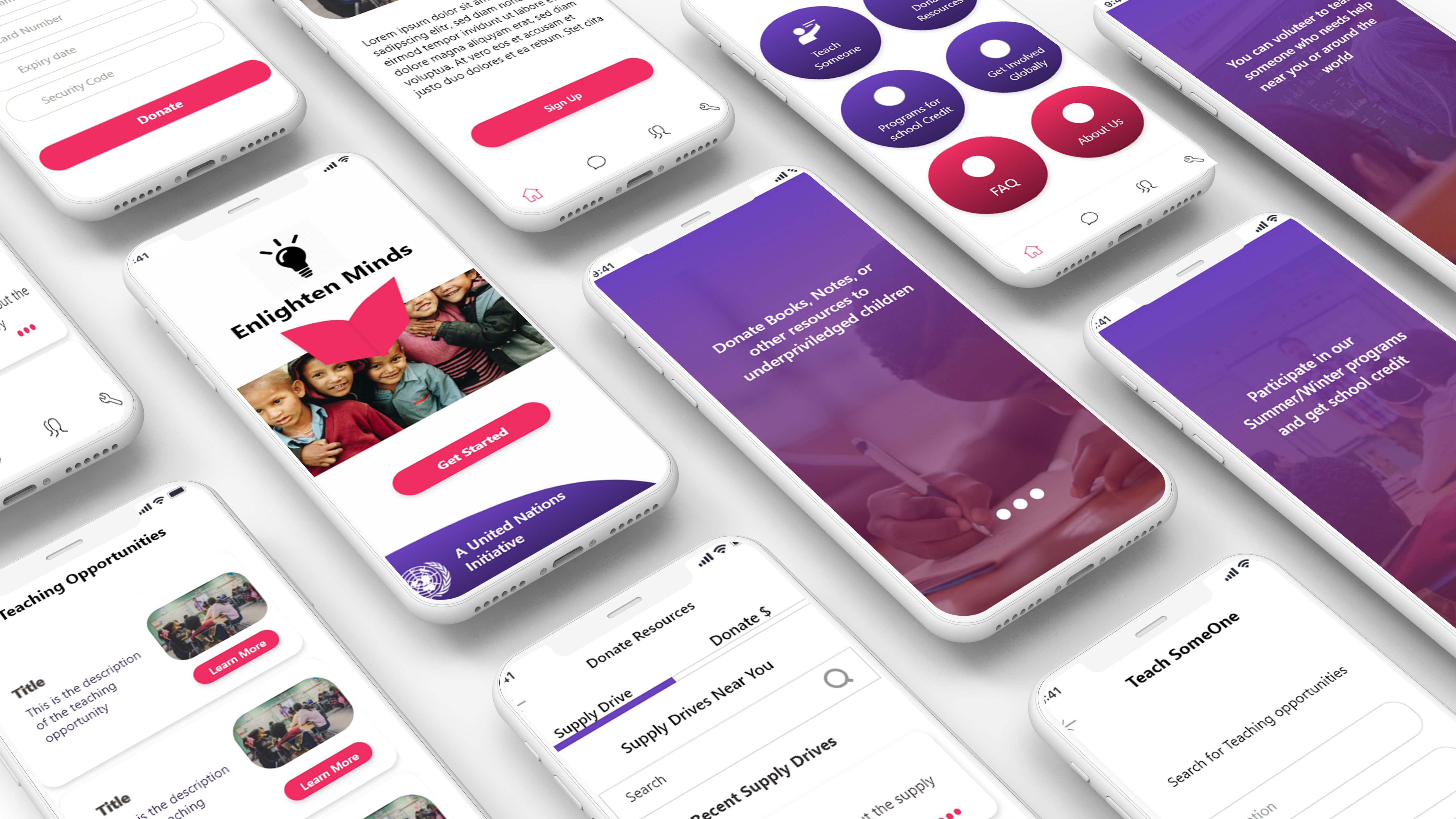
After User Testing and Heuristic Evaluation, I decided to go for a second iteration on the design after the course was completed. Based on the results I created new low fidelity prototypes
1st Iteration – Low Fidelity Prototypes
Final Iteration – High Fidelity Prototypes
View Prototype
 Damini Bhatt